
How to Calibrate NooElec SDR to 868MHz
Optimize your SDR receiver for FLARM and OGN reception
SDR (Software Defined Radio) receivers have slight frequency offsets that can affect reception quality. Calibrating your NooElec Nano 2 or similar SDR to exactly 868MHz ensures optimal FLARM and OGN signal reception.
Video Tutorial
Watch this step-by-step video guide for manual SDR calibration using kalibrate-rtl:
Why Calibration Matters
RTL-SDR dongles use inexpensive oscillators with typical offsets of 20-100 ppm. For 868MHz FLARM signals, even small offsets can reduce reception range significantly. Proper calibration can improve your detection range by 20-50%.
Connect to your Stratux via SSH using PuTTY (Windows) or Terminal (macOS/Linux) and run kalibrate-rtl for precise PPM calibration.
Connect via SSH
Connect to your Stratux WiFi network, then SSH to 192.168.10.1 using PuTTY (Windows) or Terminal (macOS/Linux). Default login: pi / raspberry
PuTTYRun kalibrate-rtl
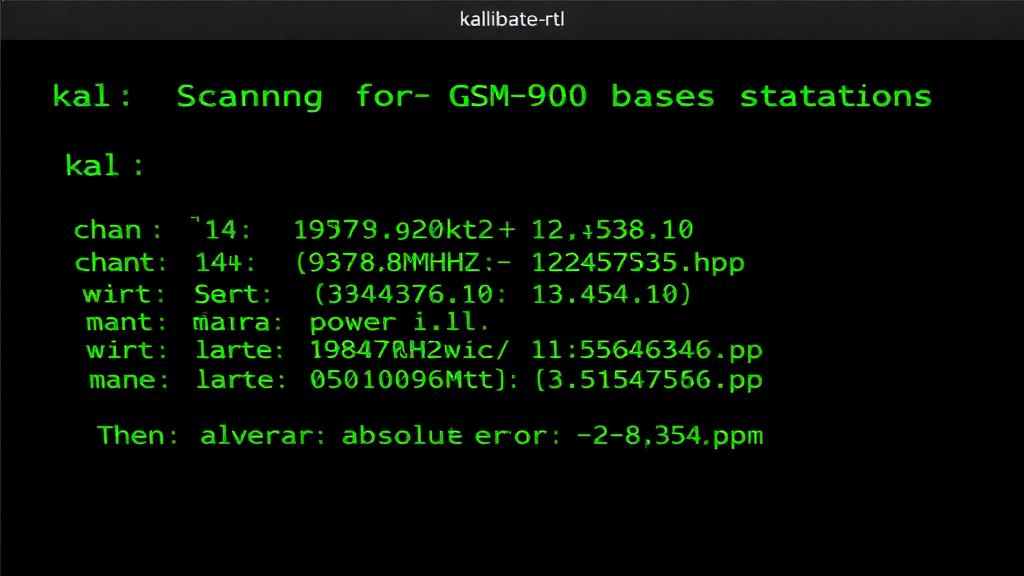
Run the following command to scan for GSM base stations and calculate the PPM offset:
sudo kal -s GSM900 -d 0 -e 2Note the PPM Value
The output will show detected GSM channels with their PPM offsets. Use the average value from multiple channels for best accuracy.
Enter PPM in Web Interface
Open the Stratux web interface, go to Settings, and enter your calculated PPM value in the 'PPM Correction' field. Save settings and restart.
Web Interface GuideExample Output
This is what the kalibrate-rtl output looks like. Note the 'Average absolute error' value at the bottom - this is your PPM offset.
Pro Tips
- Temperature affects SDR frequency - calibrate at operating temperature
- Each SDR dongle needs individual calibration
- TCXO-equipped SDRs have much lower drift and may not need calibration
- Re-calibrate if you notice reduced reception range